
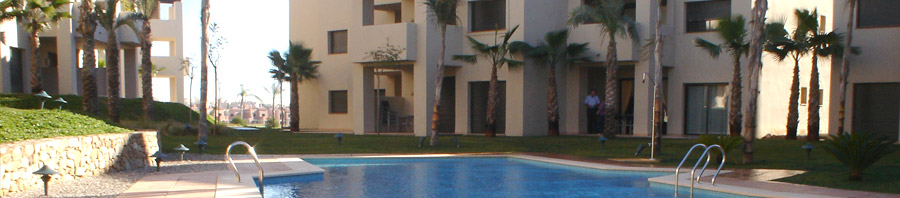


The Beach Club on Google Earth - Click to enlarge
Hi all. This week we're excited to tell you that Google Earth has updated it's satellite imagery of the whole Murcia area! And we have a special gift for you to download too! We have assembled a folder full of Roda Golf Placemarks for you to use in Google Earth. Inside the folder you will find placemarks for the main Roda Golf site, and the Beach Club in La Manga. Furthermore, if you open that folder in Google Earth you can turn on placemarks for every hole on the course (including a description), Roda Golf amenities, and even placemarks for each of the phases.
We're sure this will prove a very useful tool for you, and for anyone who is interested in the layout of Roda Golf, the location of the beach club, and the general location within Spain.
Below we have a few instructions for those of you who are unfamiliar with using Google Earth
- Download Google Earth and install it (it's completely free from here: Download Google Earth.
- Download the placemarks for Roda Golf and Beach Resort: Click here to download the placemarks (free of course!)
- Just click "open" and the placemarks will load inside Google Earth!
- Use the folders to turn on and off individual sets of placemarks
- Double click any placemark to fly to that location!
We hope you enjoy taking a look around the area on Google Earth. If you have any ideas of things we can add to the placemarks folder just let us know and we can release "mark II"!
Oh and stay tuned this week! In a couple of days we are releasing a small video showing a "walkthrough" of the beach club, showcasing the restaurant, bar area, and the upstairs lounge!
Remember...we are here to help! Feel free to ask any questions you like below, or contact us directly!

3 Responses to Exploring Roda Golf from the skies!